
SPECIALTY MATERIAL PAPERS
Texture you can specify.
Explore material series, compare real color codes and request the right sample for covers, packaging and crafted applications.
FIVE MATERIAL DIRECTIONS
Start with the surface character.
Move from material theme to series, texture, real SKU imagery and product-specific inquiry.
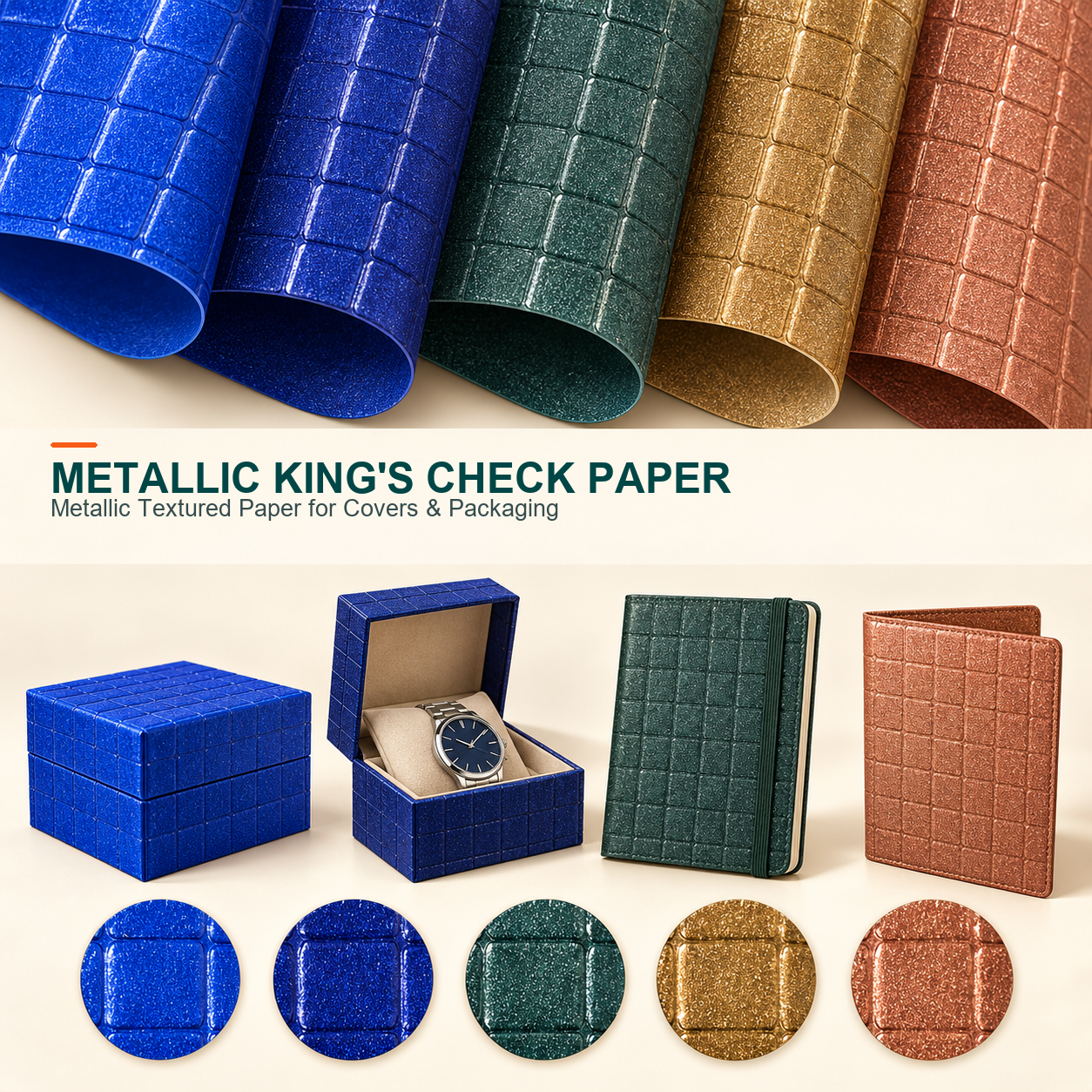 01Metallic FinishesCompare metallic, reflective and pearlized surface directions across single-color, classic metal and two-tone constructions.24 products · 168 SKU colors
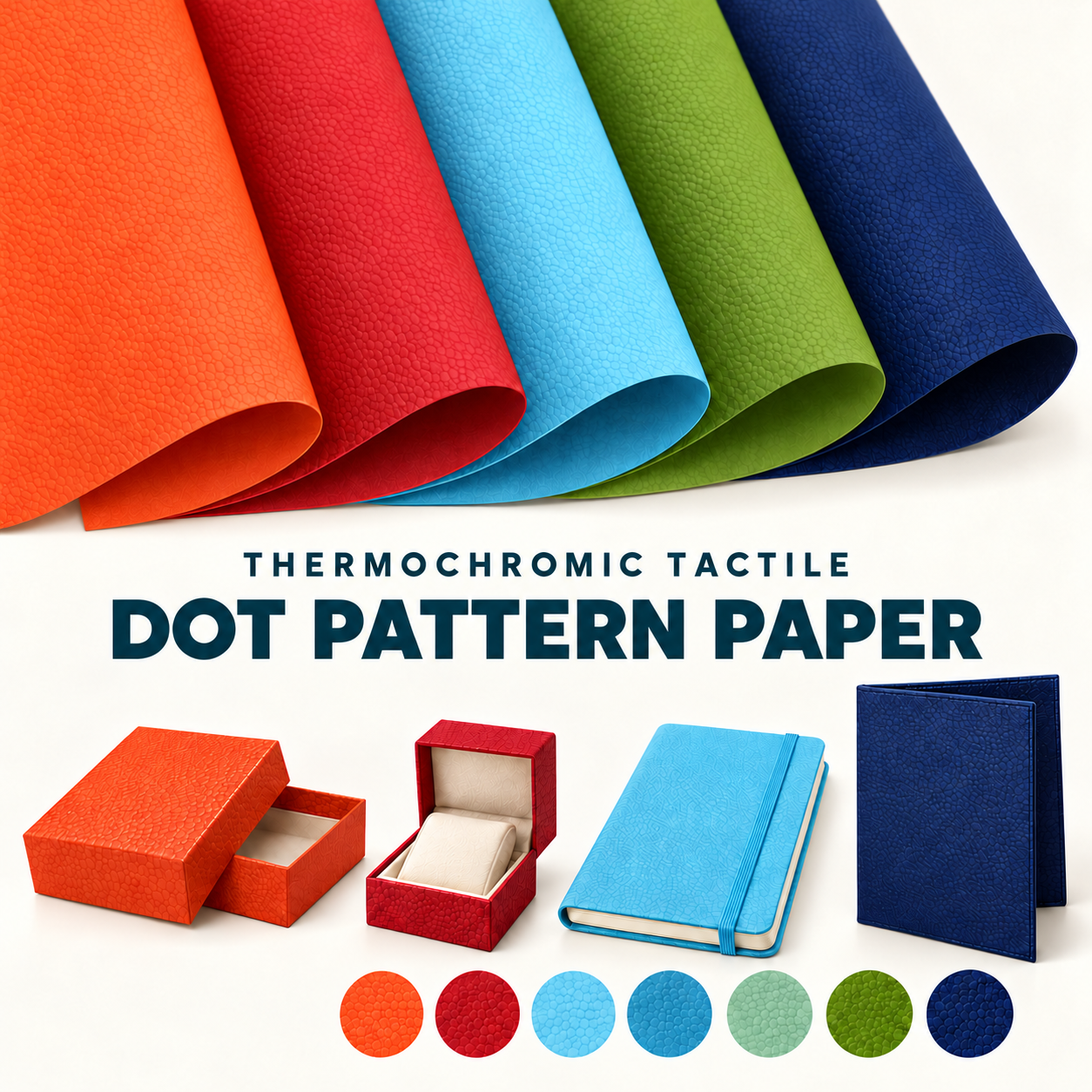
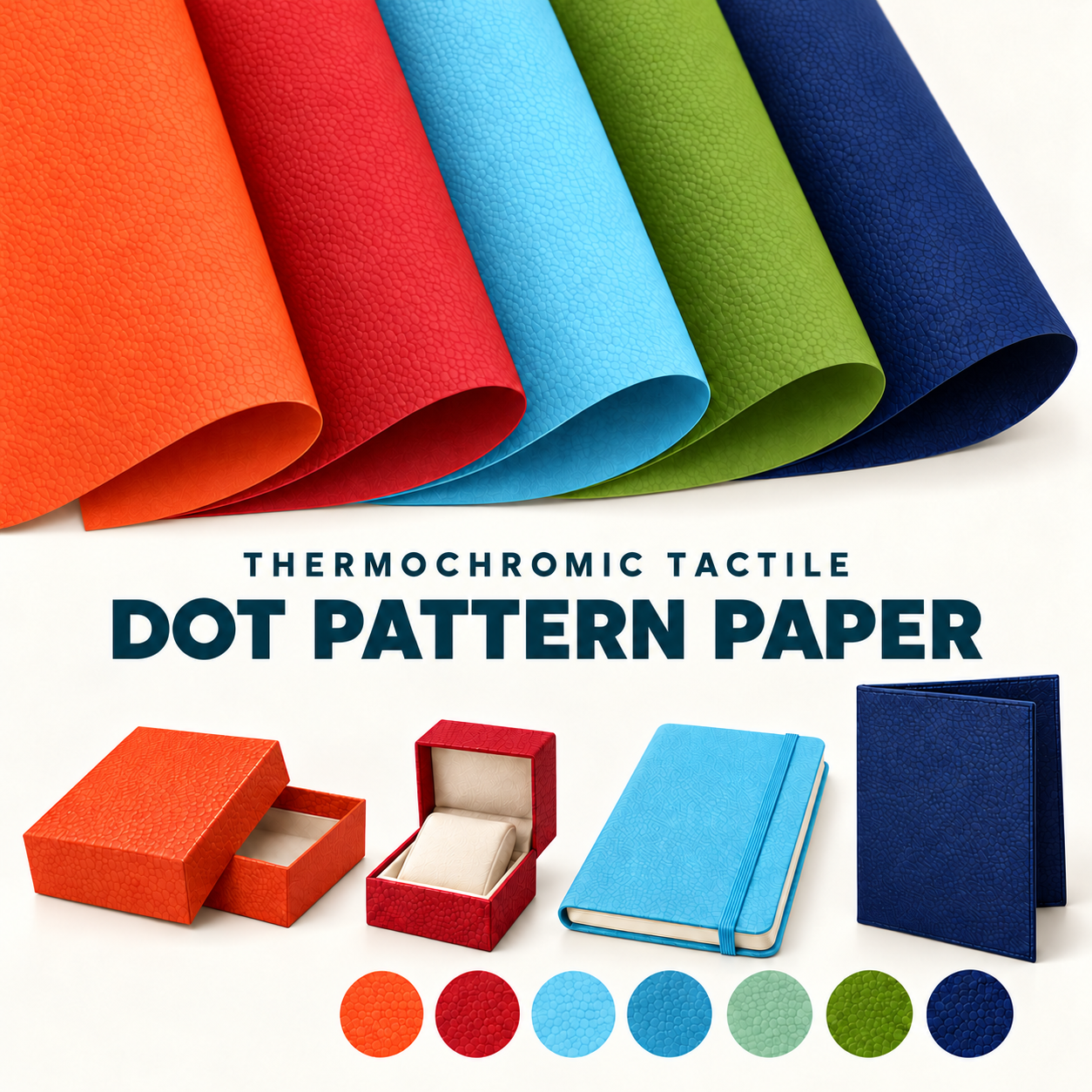 02Tactile & ThermochromicExplore tactile surface families and heat-responsive color-changing papers through real public SKU images.18 products · 140 SKU colors
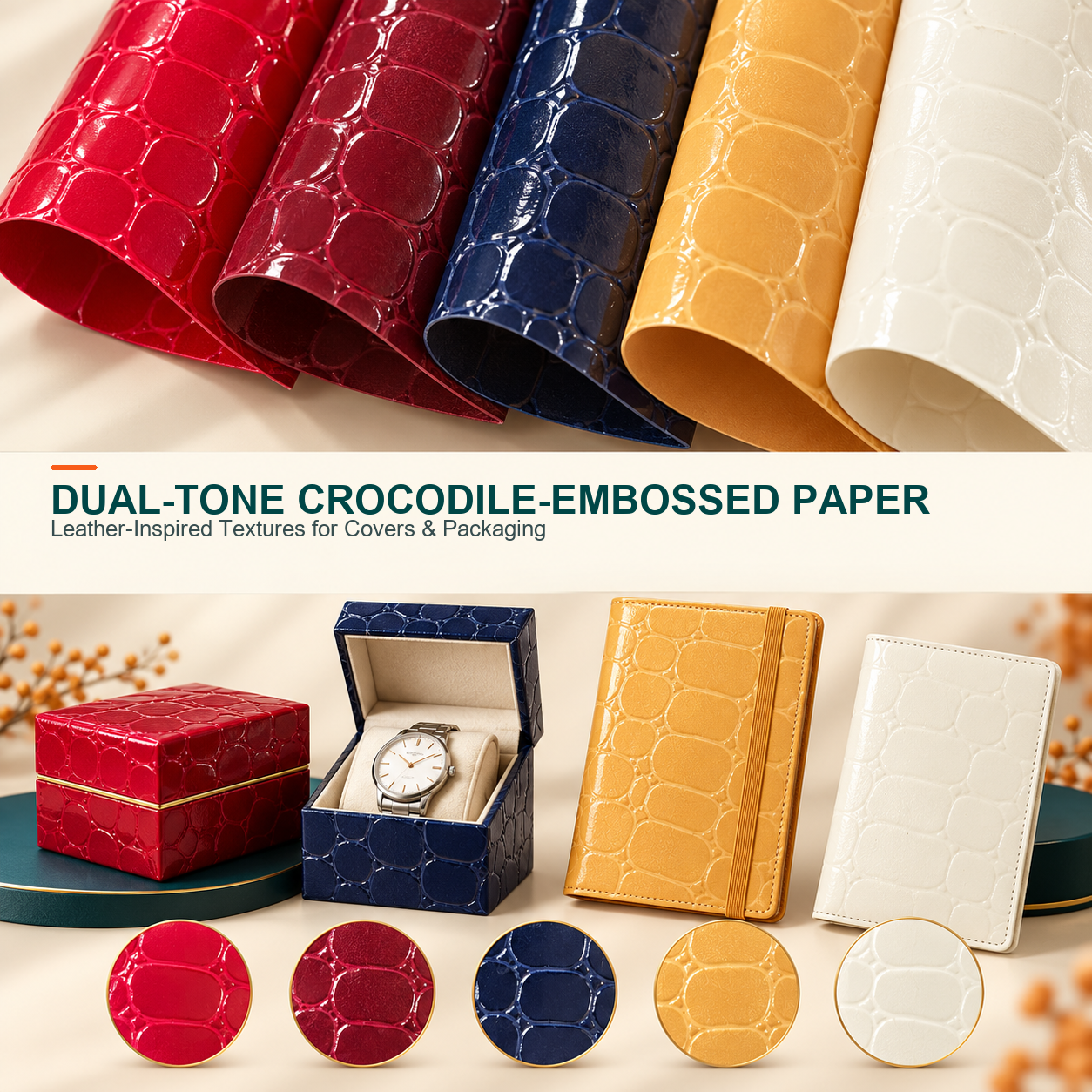 03Two-Tone EmbossedCompare two-tone embossed papers by pattern scale, surface depth and available public SKU colors.7 products · 49 SKU colors
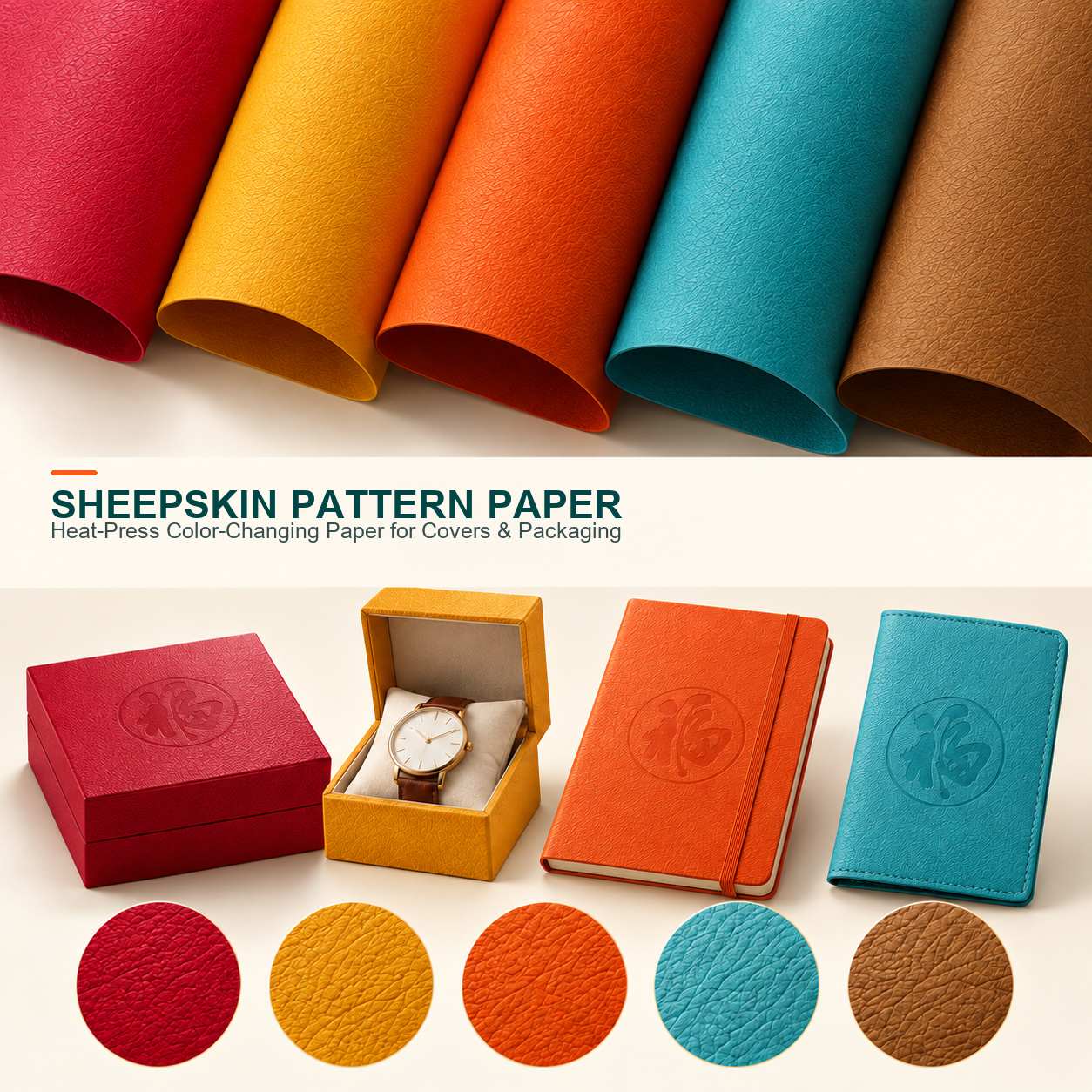 04Washable & Plant-BasedBrowse washable plant-based papers and washable heat-press color-changing series for sample-led evaluation.15 products · 119 SKU colors
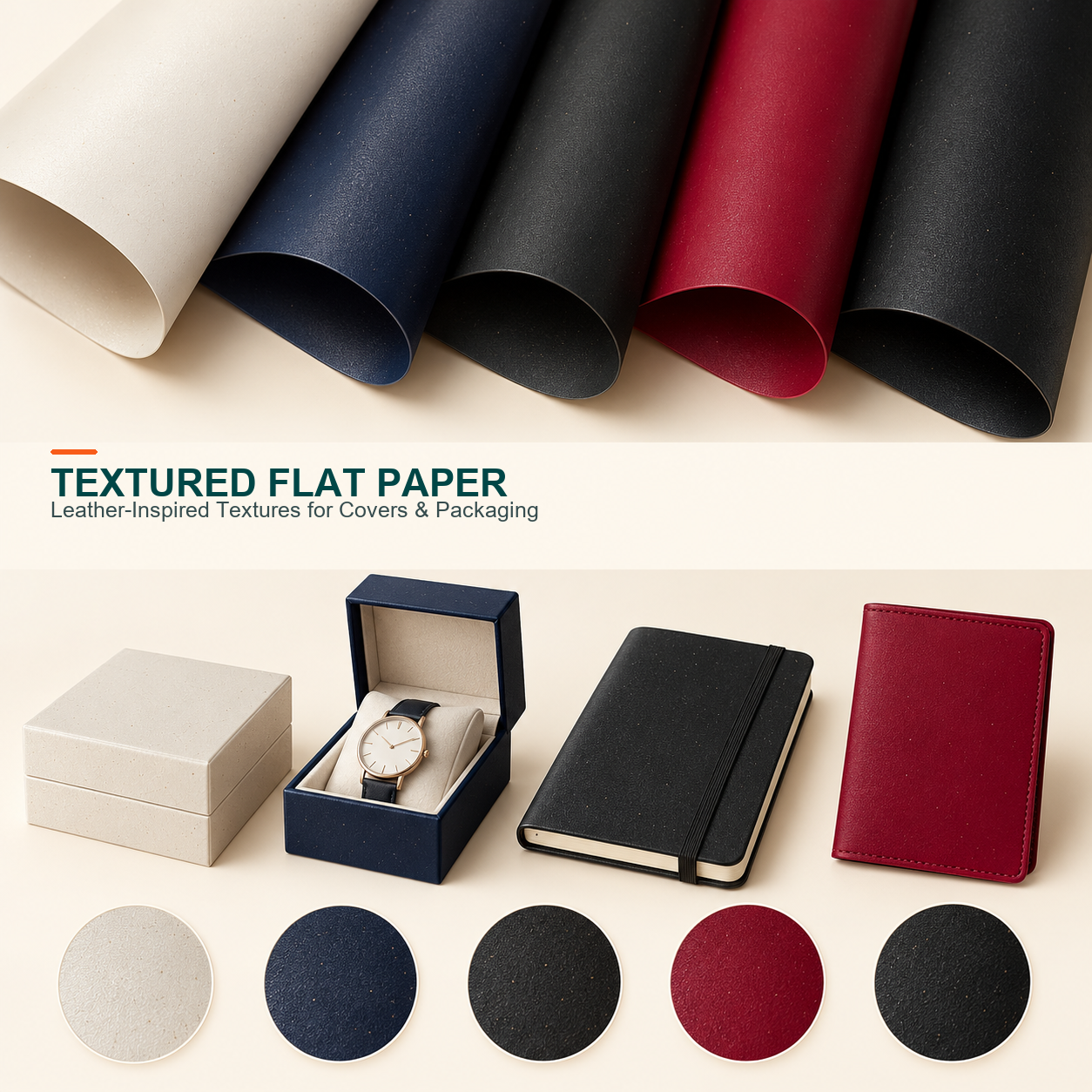 05Wide-Format MatteReview the 1370 mm non-glossy family by grain, finish and available public SKU colors.8 products · 40 SKU colors
SELECTED MATERIALS
Three entry points into the 72-product library.
Thermochromic Tactile Series
Thermochromic Tactile, Polka Dot Leather Paper
Review the main visual, real SKU texture images and source-listed specifications.
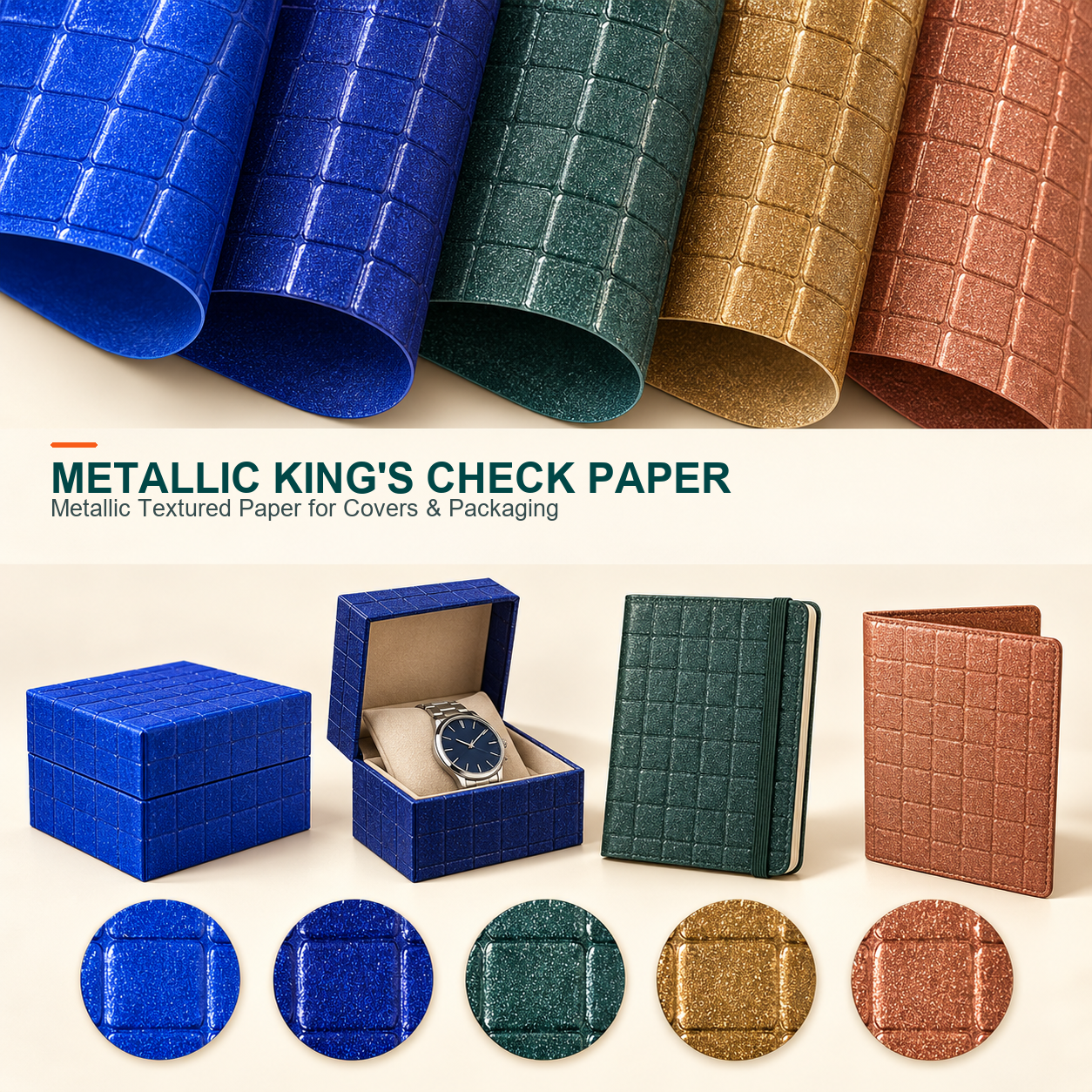
Metal Two-Tone Series
Metallic King's Check Leatherette Paper
Review the main visual, real SKU texture images and source-listed specifications.
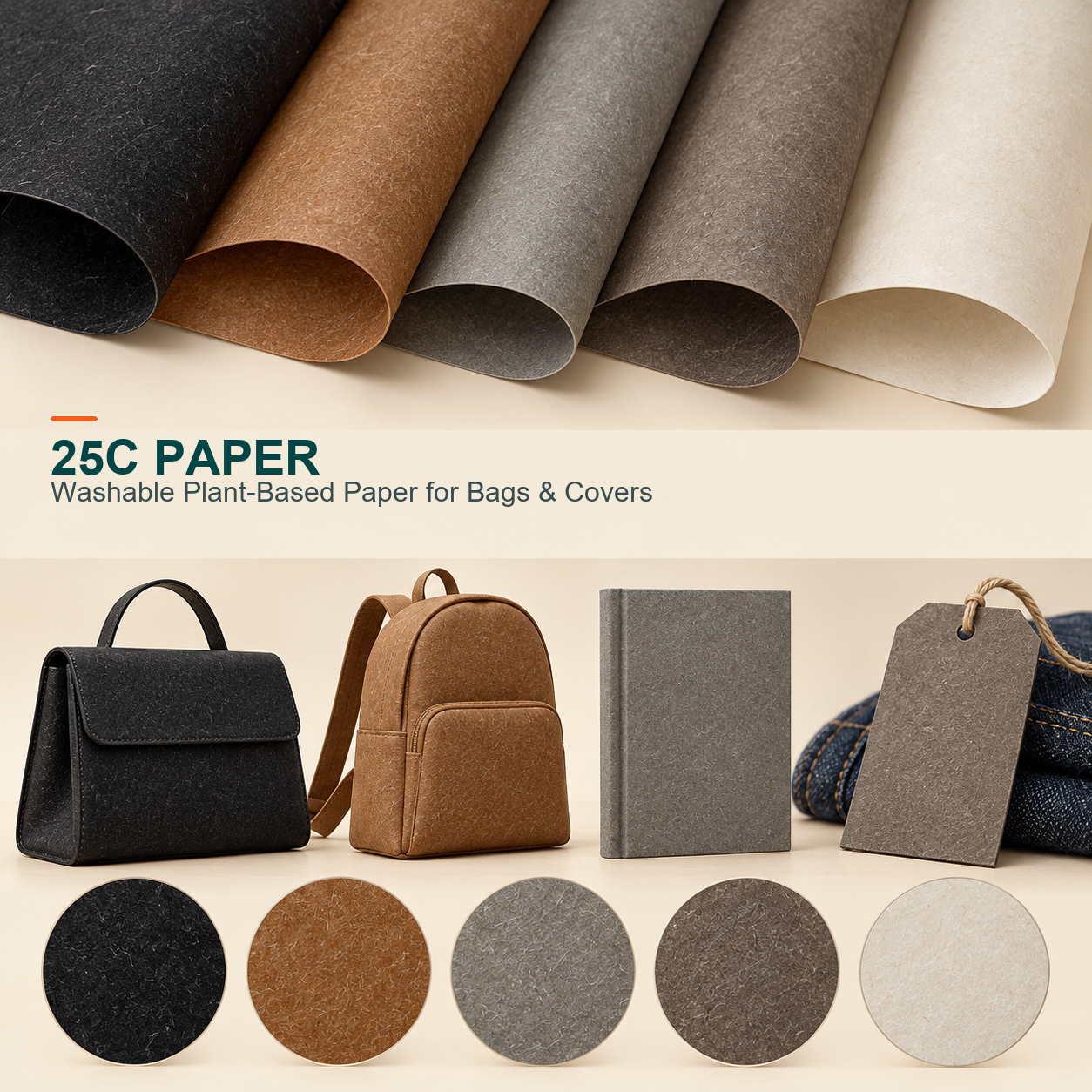
Washable Plant-Based Series
25C Plant-Based Washable Synthetic Leather Paper
Review the main visual, real SKU texture images and source-listed specifications.
02 — APPLICATIONS
From material swatch to finished form.
Use the application examples to narrow the direction, then confirm color, texture and processing with a physical sample.
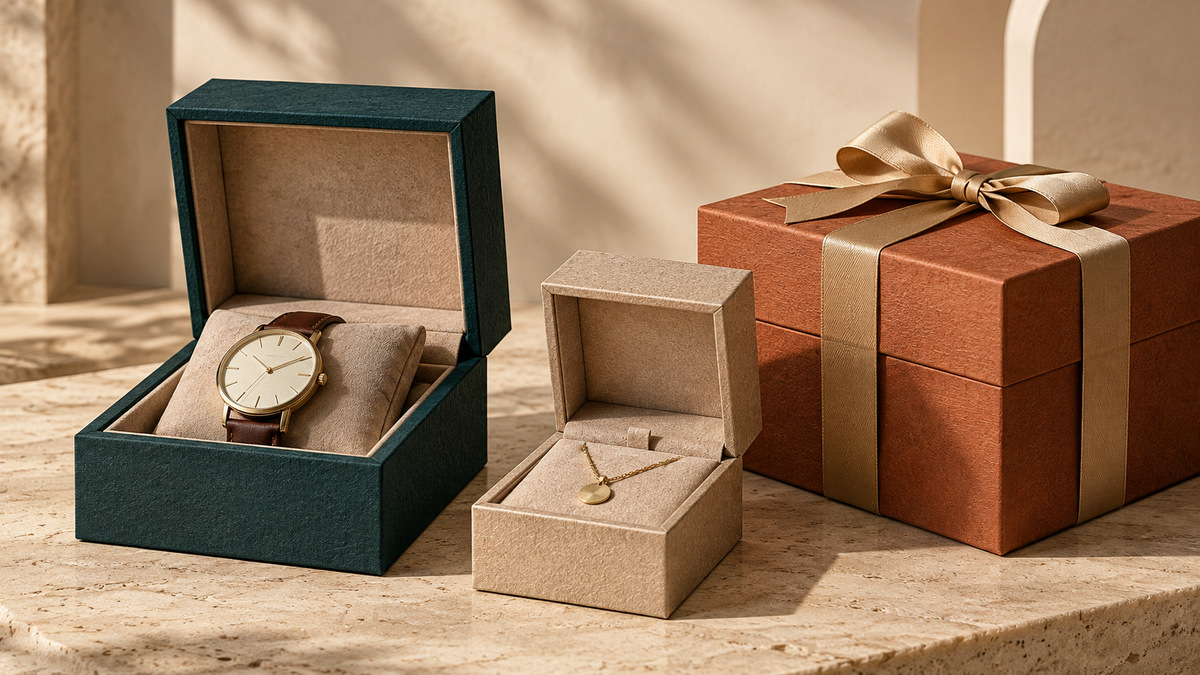
01
Premium packaging
Rigid boxes, watch boxes and jewelry presentation.
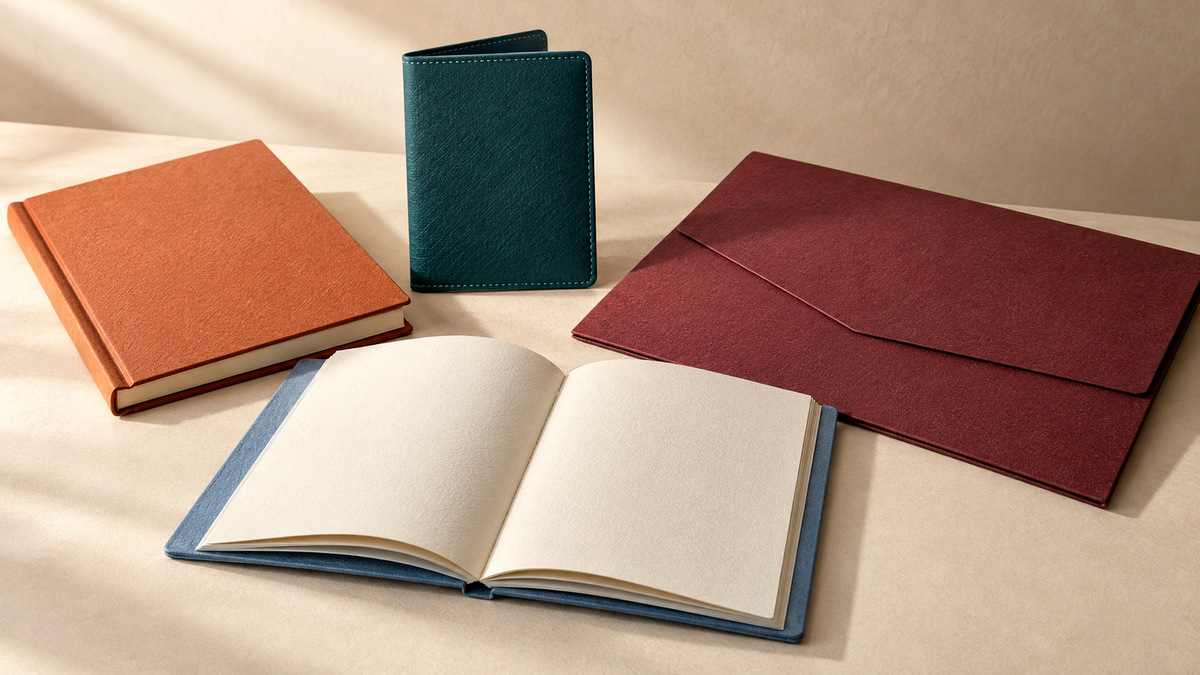
02
Covers & stationery
Notebooks, certificate covers and passport covers.
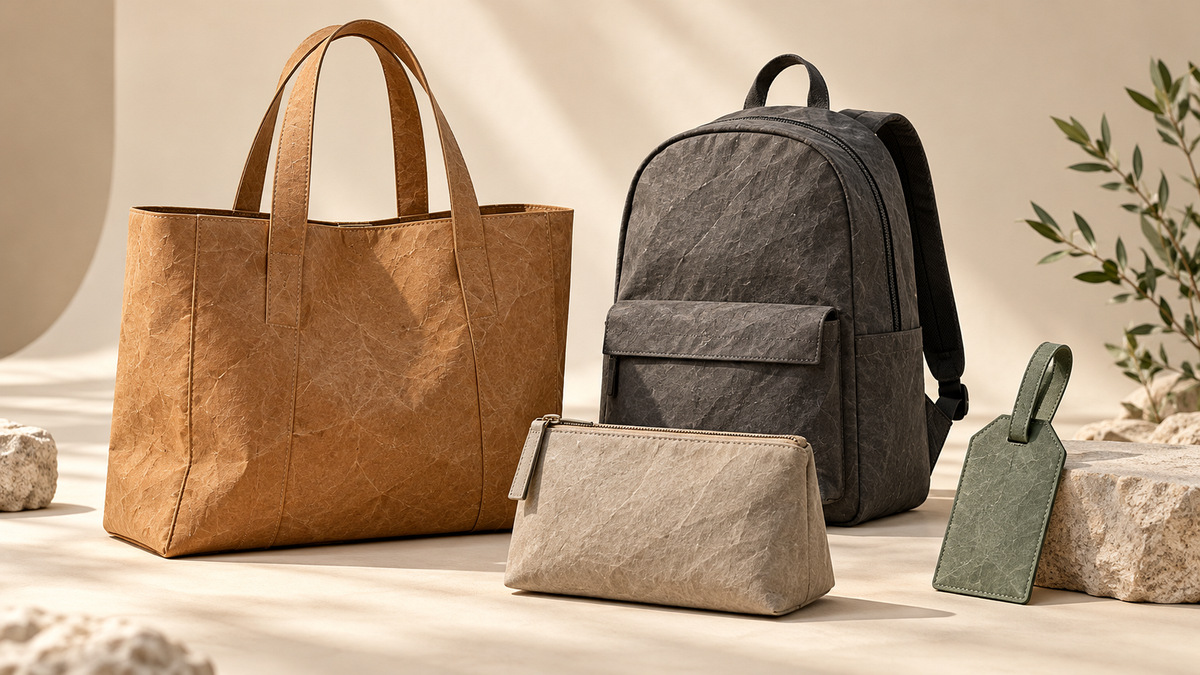
03
Bags & lifestyle
Bags, tags and flexible crafted items where the listed material supports the intended process.
03 — SELECTION WORKFLOW
Choose with evidence, not assumptions.
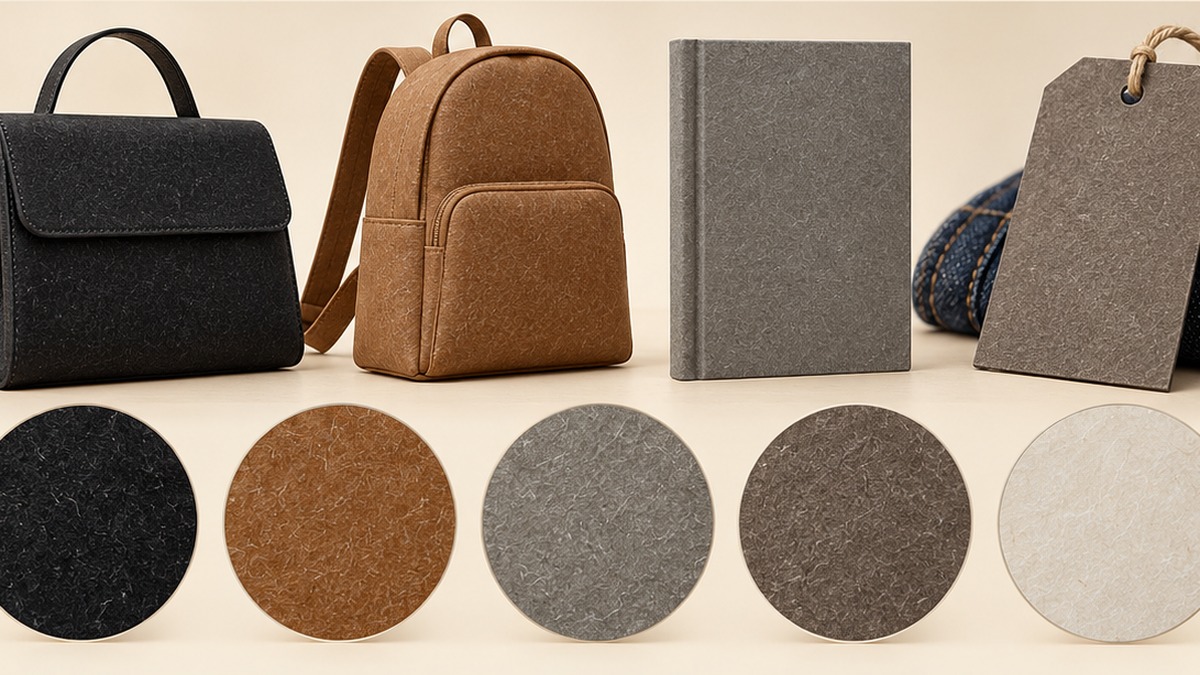
01
Define the use
Share the intended cover, package or finished application and processing method.
02
Compare codes
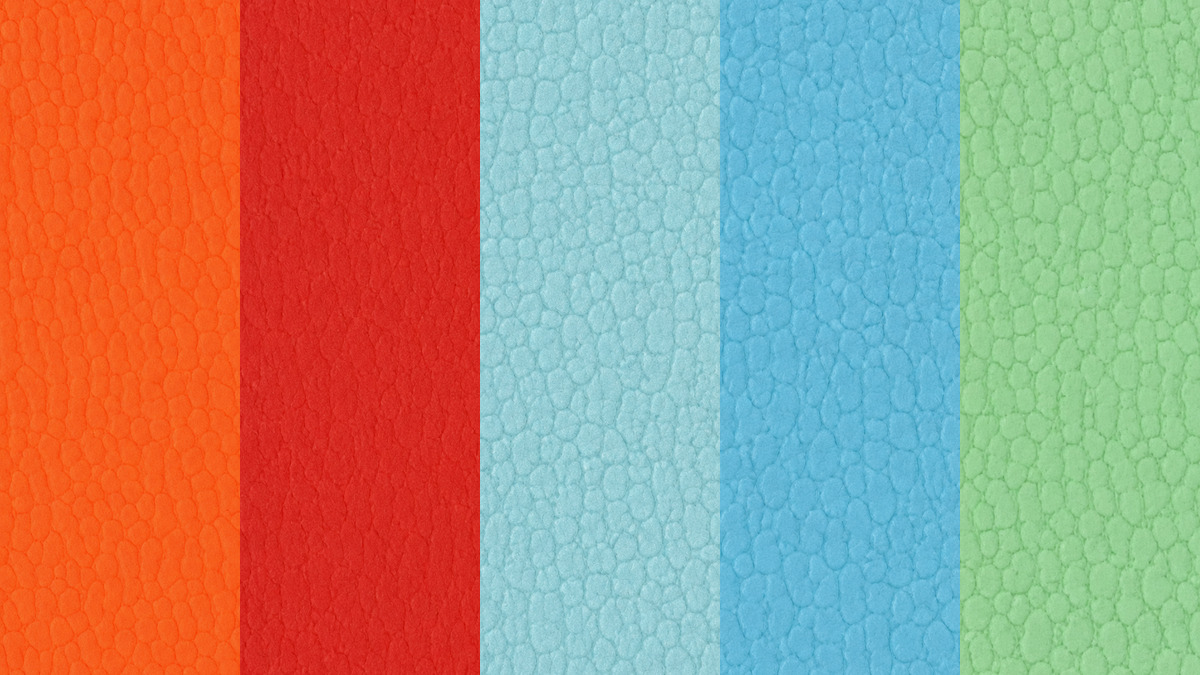
Review the product series, texture scale and available SKU color imagery.

03
Confirm by sample
Verify appearance and processing on a physical sample before production decisions.
FAQ · SAMPLE GUIDE
Confirm before sampling.
Use the product ID and exact SKU code so we can keep color, texture, width and application details together.
for material selection
01How do I select a color?
Choose the public SKU code shown beside each real texture image. Confirm the final color and surface with a physical sample before production.
02Does every SKU have its own texture image?
Yes. Each listed SKU is linked to its own texture image and public code, so you can include the exact code in an inquiry.
03Can I request several SKU samples together?
Yes. Select a SKU on each product page, add it to the Inquiry List, and submit the selected material codes in one request.
04What does the displayed USD price cover?
The displayed price is quoted for the listed material width × 1 meter. Use the selected SKU card to check its width and unit before sending an inquiry.
05Are the application images real finished products?
The application scenes are illustrative visual guides, not photographs of finished products. Use SKU texture images and physical samples when judging color and surface.
06Can source-listed specifications be used directly for production?
Use them as product-reference information only. Confirm specifications, processing and suitability with HICOS and a physical sample before production.
07What information should I include in an inquiry?
Include the product ID, SKU code, intended application, expected quantity, country or region, business email and WhatsApp contact number.
REQUEST A SAMPLE
Bring the product code. We’ll keep the conversation specific.
Use the form to capture product, SKU, quantity, country and processing notes. Email and WhatsApp routing will be connected after confirmed business details are supplied.